
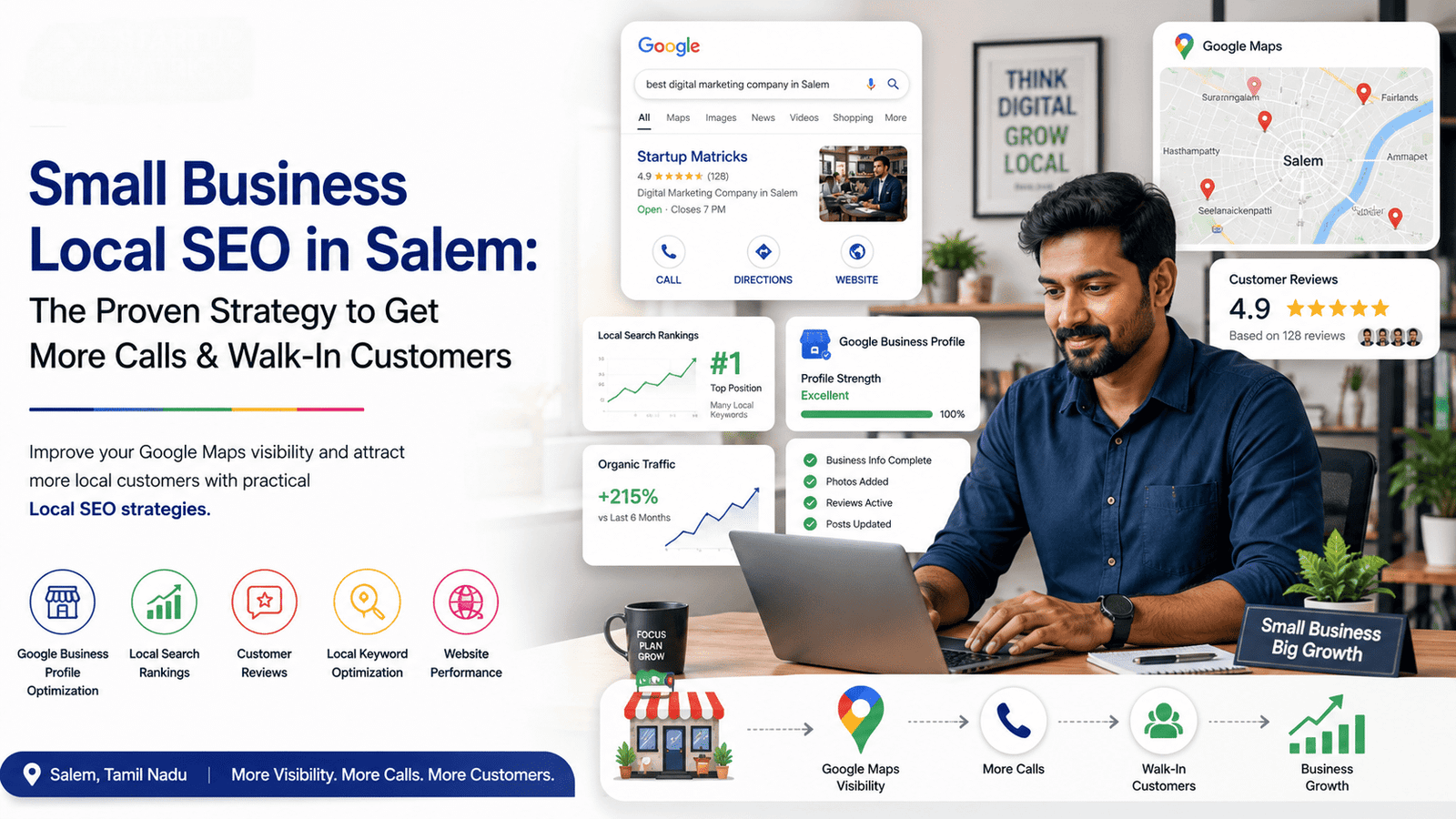
How To Rank On Google Maps: A Practical Local SEO Guide
By Startup Matricks Team
Contributor

Getting your business listed on Google Maps is easy. Getting it to appear when potential customers search for your services is much harder.
For example, when someone searches for “digital marketing company near me” or “restaurants in Salem,” Google shows a limited number of local businesses prominently. If your business is not visible in these results, you may lose potential calls, website visits, and walk-in customers.
So, how do you rank on Google Maps?
This guide explains how to rank on Google Maps, the most important Google Maps ranking factors, and practical steps to improve your local visibility.
Quick Answer: How To Rank On Google Maps
To rank higher on Google Maps, focus on these areas:
- Create and verify your Google Business Profile
- Keep your business information accurate
- Choose the right business categories
- Add relevant services and business details
- Collect genuine customer reviews
- Maintain accurate local citations
- Improve your website's local SEO
- Create locally relevant content
- Keep your Google Business Profile active
Google evaluates multiple signals when determining which businesses to show for local searches.
How Does Google Maps Ranking Work?
Google Maps rankings are influenced primarily by how relevant, prominent, and geographically relevant a business is to a user's search.
For example, if someone searches for an SEO service in Salem, Google may consider:
- Whether the business offers SEO services
- The business category
- The information available on its Google Business Profile
- Customer reviews
- Website relevance
- Local mentions and citations
- The searcher's location
This means ranking on Google Maps is not just about adding keywords to your business profile.
Google Maps Ranking Factors You Should Focus On
1. Optimize Your Google Business Profile
Your Google Business Profile is one of the most important parts of your local SEO strategy.
Make sure you complete:
- Business name
- Business category
- Address or service area
- Phone number
- Website
- Business hours
- Services
- Business description
Choose categories carefully. Your primary category should accurately represent your main business service.
Avoid adding unnecessary keywords to your business name. Use your real business name consistently.
2. Get More Genuine Customer Reviews
Reviews can influence customer trust and local visibility.
Encourage genuine customers to leave reviews after purchasing a product or using your service.
A good review strategy includes:
- Asking customers for feedback
- Responding professionally to reviews
- Thanking customers for positive feedback
- Addressing negative reviews calmly
- Avoiding fake or purchased reviews
Regular reviews can also make your Google Business Profile look more active and trustworthy.
How To Improve Google Maps Ranking
3. Maintain Consistent Business Information
Your business information should be consistent across important online platforms.
Check your:
- Business name
- Address
- Phone number
- Website URL
This information should match across your website, Google Business Profile, social media profiles, and local business directories.
Inconsistent information can create confusion for customers and search engines.
4. Optimize Your Website For Local SEO
Your website plays an important role in supporting your Google Maps visibility.
Include relevant local information on important pages.
For example, a digital marketing company targeting Salem could create content around:
- Digital marketing services in Salem
- SEO services in Salem
- Google Ads services in Salem
- Local SEO services for Salem businesses
However, avoid creating multiple pages with nearly identical content for every location.
Instead, create useful pages that genuinely serve local search intent.
How To Rank Higher In Google Maps
5. Choose Relevant Business Categories
Your business category helps Google understand what services you provide.
Choose:
- One accurate primary category
- Relevant secondary categories where appropriate
Do not select categories simply because they have high search volume.
The category should accurately represent your actual business.
6. Add Photos And Keep Your Profile Active
An active Google Business Profile provides customers with updated information.
Consider regularly adding:
- Business photos
- Team photos
- Product images
- Service updates
- Business posts
For example, a local restaurant can upload new menu photos, while a digital marketing company can share recent projects, services, or educational updates.
How To Increase Google Maps Visibility
7. Build Local Citations And Mentions
A local citation is an online mention of your business information.
Relevant citations may include:
- Local business directories
- Industry directories
- Chamber of commerce websites
- Local publications
Focus on quality and accuracy rather than submitting your business to hundreds of low-quality directories.
8. Build Local Relevance Through Content
Create useful content for your local audience.
Examples include:
- Local industry guides
- Service area pages
- Local marketing tips
- Customer success stories
- Community-related content
This can help search engines better understand your business and the areas you serve.
Common Mistakes To Avoid
Avoid these common Google Maps SEO mistakes:
- Adding keywords to your business name unnecessarily
- Creating fake customer reviews
- Choosing irrelevant business categories
- Using inconsistent contact information
- Ignoring negative reviews
- Creating duplicate or low-quality location pages
Focus on providing accurate information and a better experience for potential customers.
Google Maps Ranking Checklist
Frequently Asked Questions
How Long Does It Take To Rank On Google Maps?
The timeline varies depending on competition, location, business relevance, profile quality, and your existing online presence. Improvements may take weeks or longer. Focus on consistent optimization rather than expecting immediate results.
What Is The Most Important Google Maps Ranking Factor?
There is no single ranking factor. Business relevance, location, prominence, accurate business information, reviews, and overall local SEO can all influence visibility.
How Can I Rank Higher In Google Maps?
Optimize your Google Business Profile, collect genuine reviews, maintain consistent business information, improve local SEO on your website, and build a strong local online presence.
Do Google Reviews Help Google Maps Rankings?
Customer reviews can contribute to your business's visibility and influence customer trust. Focus on earning genuine reviews instead of using fake or incentivized reviews.
Can I Rank On Google Maps Without A Website?
A Google Business Profile can appear in Google Maps without a website. However, a well-optimized website can support your broader local SEO strategy and help customers learn more about your business.
How Often Should I Update My Google Business Profile?
Update your profile whenever business information changes. You can also regularly add relevant photos, posts, services, and updates to keep customer information current.
Conclusion
Learning how to rank on Google Maps requires more than simply creating a business profile. Strong local visibility comes from accurate business information, relevant categories, genuine reviews, local SEO, and a trustworthy online presence.
Start by optimizing your Google Business Profile and fixing inconsistencies in your business information. Then focus on improving your website and building useful local relevance over time.
If your business needs support with Local SEO, Google Business Profile optimization, or Google Maps visibility, Startup Matricks helps businesses build sustainable local search strategies based on practical SEO methods.